What Is Xbox Play Anywhere on GeForce NOW? How Cross-Buy & Cloud Saves Work

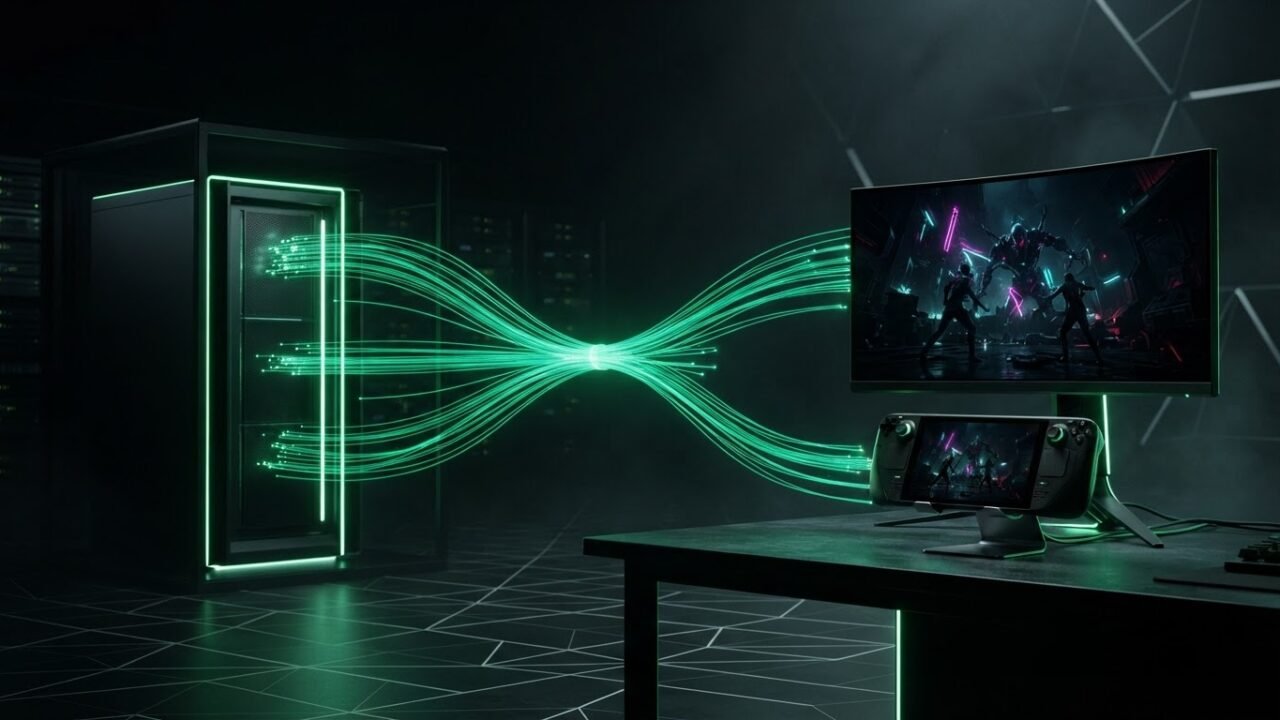
Xbox Play Anywhere is Microsoft’s cross-buy ecosystem that lets you purchase a supported digital game once and play it on both Xbox consoles and Windows PCs. On GeForce NOW, that same Xbox Play Anywhere PC license unlocks cloud streaming on NVIDIA’s servers—meaning you can play games you bought on the Xbox Store without buying a second copy on Steam.
How Xbox Play Anywhere Works on GeForce NOW
When a title supports Xbox Play Anywhere and is onboarded to GeForce NOW’s Xbox storefront, GeForce NOW streams the Windows PC version tied to your Microsoft account. Here is how to set it up:
- Open the GeForce NOW app on your PC, Mac, handheld, or TV.
- Go to Settings → Connections and click Connect next to Xbox.
- Sign in with the Microsoft account that owns your Xbox Play Anywhere games.
- Find a supported title—such as Baldur’s Gate 3 or Cyberpunk 2077—and select Xbox as the storefront before launching.
Automatic Cloud Saves Across Console, PC, and Cloud
One of the biggest advantages of Xbox Play Anywhere on GeForce NOW is seamless Xbox Cloud Saves. If you start a campaign on your Xbox Series X|S in the living room, you can pick up the exact same save file on GeForce NOW from a laptop, a Steam Deck, or an Amazon Fire TV Stick—and vice versa.
Our Take
With Baldur’s Gate 3 joining GeForce NOW via Xbox Play Anywhere this week, Microsoft’s cross-buy program is more valuable than ever for cloud gamers. You keep your saves, your achievements, and your existing digital library without paying twice.